The booking chat agent helps customers find services, check open slots, and complete bookings in natural language.
It uses the same booking rules as the booking page, API, and MCP, so availability and booking conflicts stay consistent across all channels.
What the chat agent supports
- List available services for the organization.
- Check availability by date range, weekday, and time preferences.
- Create bookings and return a booking code.
- Reschedule and cancel bookings after validating booking code + contact email.
Enable chat for your organization
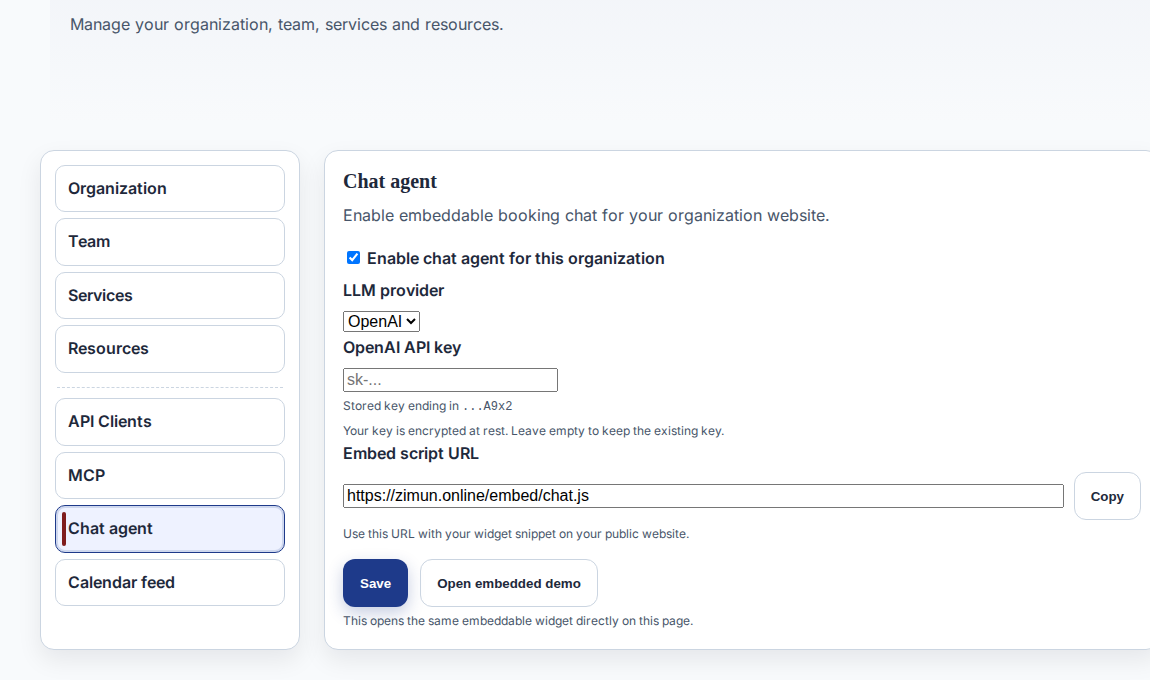
- Open Settings → Chat.
- Enable chat for this organization.
- Add your OpenAI API key and save.
- Copy the widget URL or embed script from the same page.
Insert chat into your page
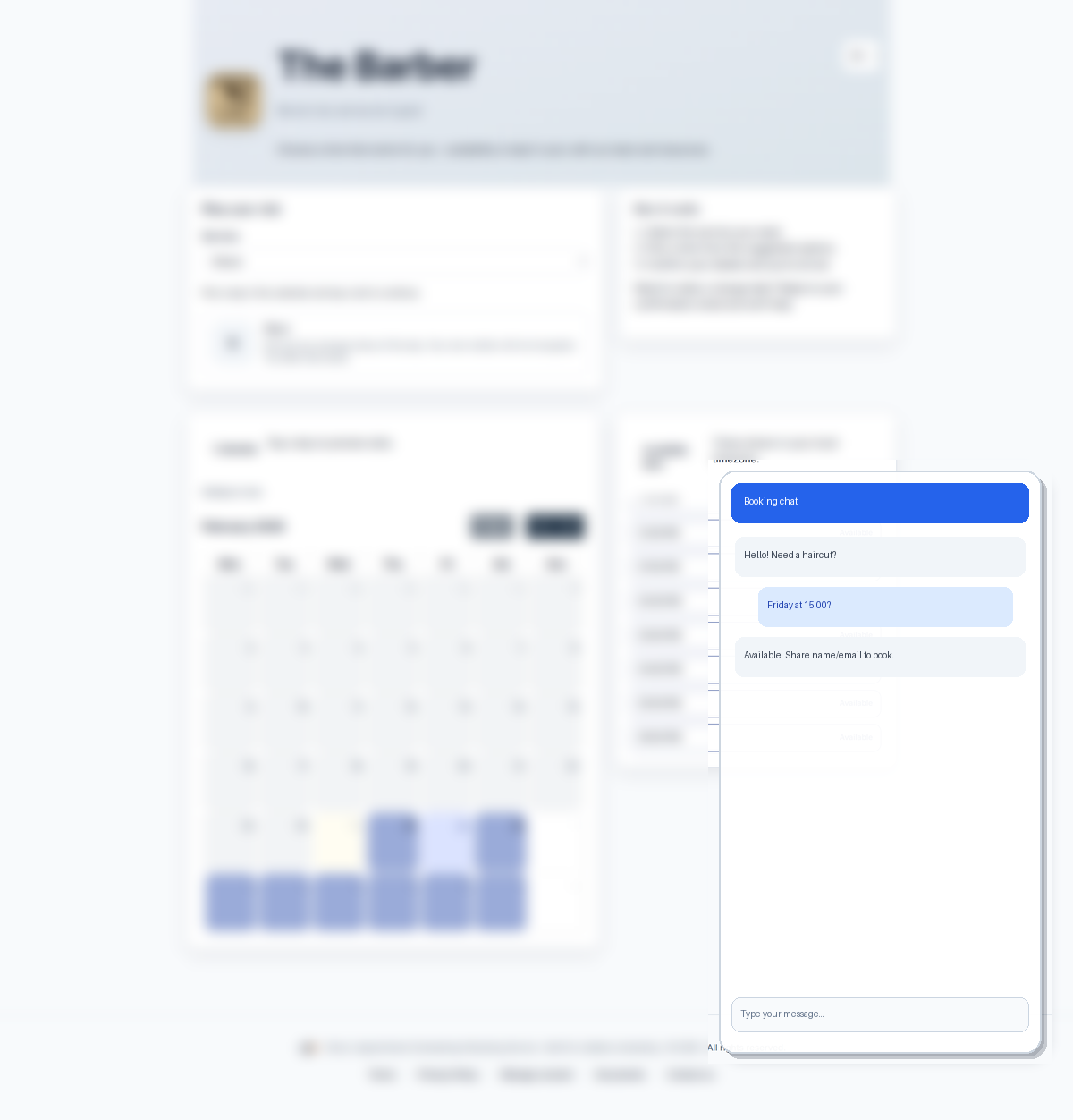
- Open Settings → Chat and copy your embed script URL.
- On your public website, paste the snippet before the closing </body> tag.
- Set data-org-id to your organization id (starts with o_).
- Publish and open the page. The chat launcher should appear in the configured corner.
Minimal snippet:
<script
  src="https://zimun.online/embed/chat.js"
  data-org-id="o_your-org-id"
  defer
></script>
Full snippet with optional settings:
<script
  src="https://zimun.online/embed/chat.js"
  data-org-id="o_your-org-id"
  data-lang="en"
  data-position="right"
  data-auto-open="false"
  defer
></script>
Optional attributes:
data-lang- Widget language (for example: en, de, fr).data-position- Launcher position: right (default) or left.data-auto-open- Set true to open the widget automatically on page load.
Security and operations
- Chat access is rate-limited per IP and organization.
- The agent asks for contact details before booking confirmation.
- Booking change operations require booking code and email validation.
- If LLM or tool calls fail, chat returns a safe fallback response.